
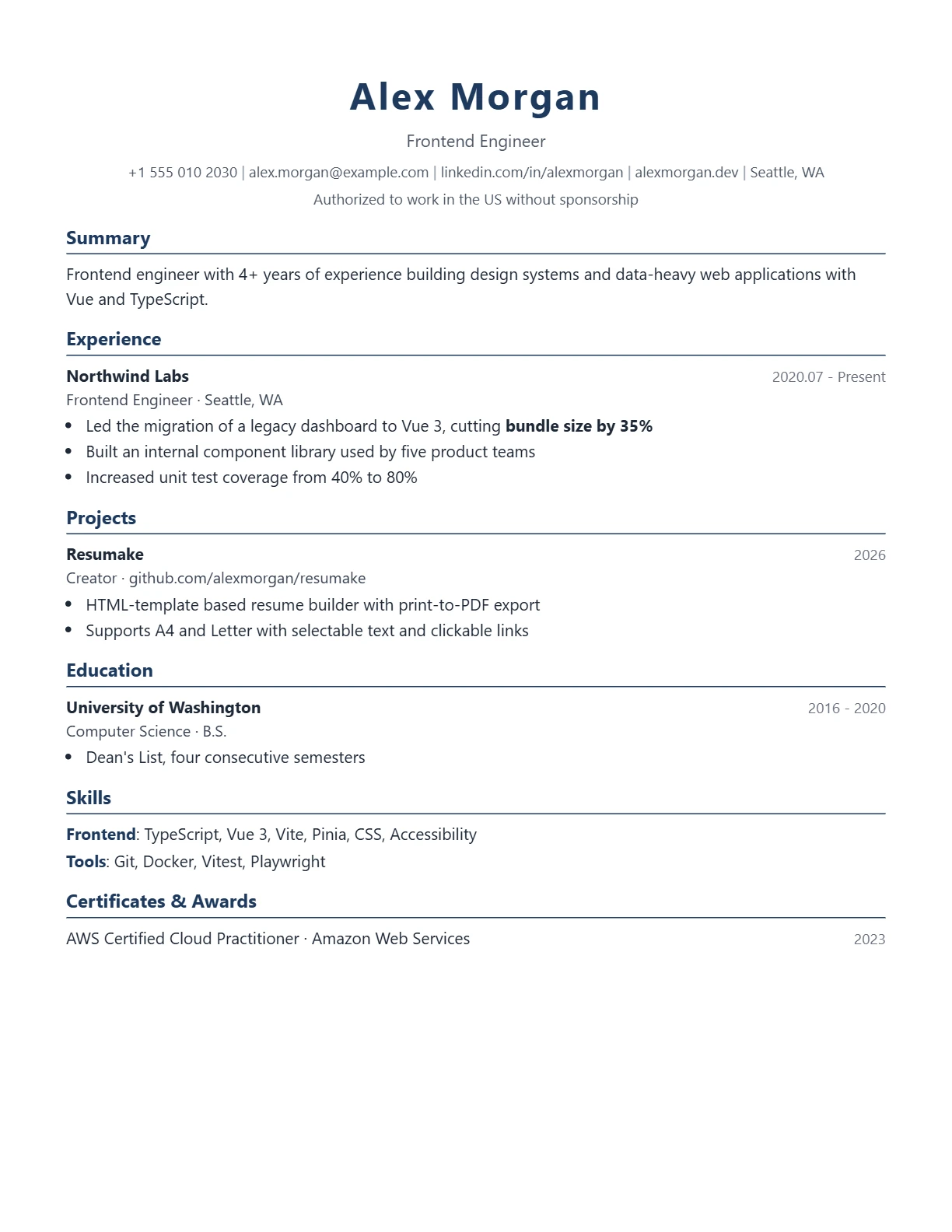
Classic
A centered header, blue dividers and a traditional section order. It reads as safe and familiar, which is exactly what most recruiters in established industries expect.
Each template is single-column, ATS-readable and free. Pick the tone that matches your industry — you can switch at any time without retyping anything.
A centered header, blue dividers and a traditional section order. It reads as safe and familiar, which is exactly what most recruiters in established industries expect.
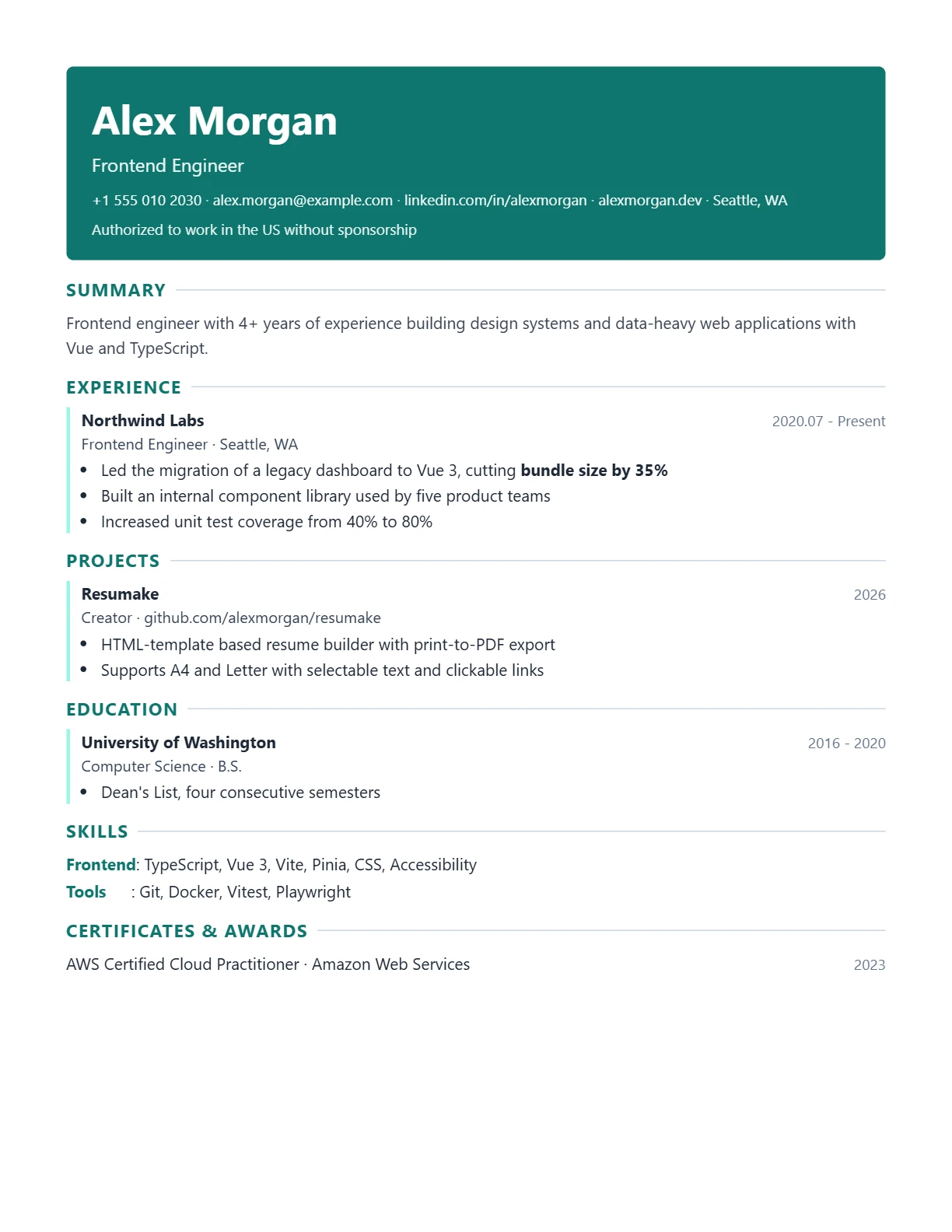
A colored header with an accent line under the name. Slightly more visual, still single-column, and suited to technology, product and design-adjacent roles.
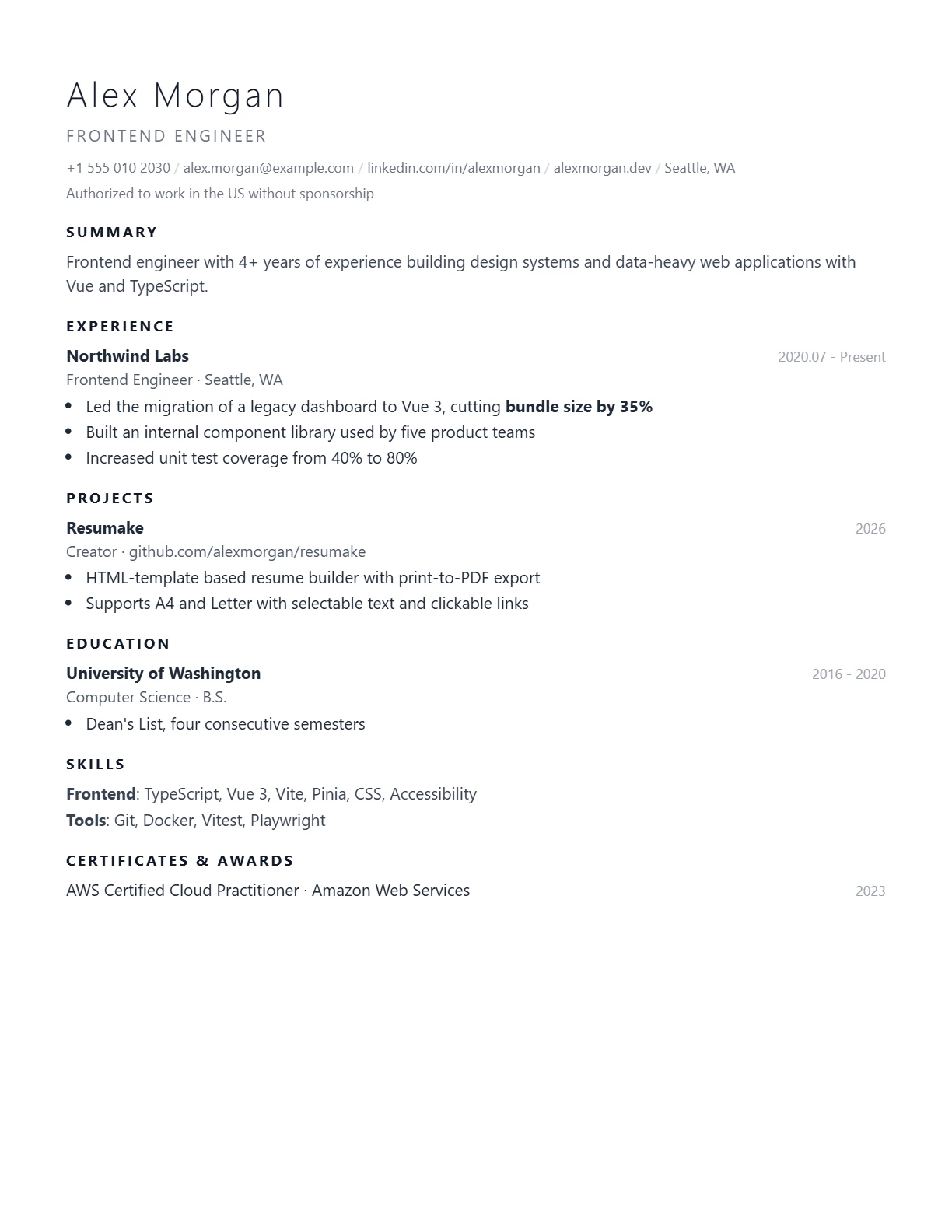
Generous whitespace and a quiet hierarchy. Nothing competes with the text, so the reader's attention goes straight to your most recent role.
| Template | Best for | Visual weight | Photo slot |
|---|---|---|---|
| Classic | Finance, law, public sector, academia | Medium | Optional, right-aligned |
| Modern | Software, product, marketing | Higher | Optional, left-aligned |
| Minimal | Any role, especially dense one-pagers | Lowest | Optional |
All three export a PDF with real text, and none of them requires an account.
It depends on 1 thing — the industry. Classic for finance, law and the public sector, Modern for technology and product roles, Minimal for academia and research.
It is instant: switch between the 3 templates at any time, your content is unchanged and the layout re-renders immediately.
It supports 2 languages: all three templates work with English and Simplified Chinese, and section labels can be edited per language.
It is: all 3 templates use a single-column structure with standard headings and export a PDF with a real text layer.
It allows both: A4 or Letter, 3 margin presets from 10 mm to 20 mm, and a font scale from 80% to 120% so the resume fits on one page.
The Classic template loads with sample content so you can see the structure immediately.
Switch between the three and watch the same content re-render. Nothing is lost.
Save the PDF. The layout is preserved exactly as previewed.
Use Classic for traditional industries such as finance, law and the public sector, Modern for technology and product roles, and Minimal when you want the content to carry the page with no visual competition.
Yes. Switch between Classic, Modern and Minimal at any time. Your content is unchanged and the layout re-renders immediately.
Yes. All three templates work with English and Simplified Chinese content, and the section labels can be edited per language.
Yes. All three use a single-column structure with standard headings and export to a PDF with a real text layer.
Yes. Choose A4 or Letter, set margins from narrow to wide, and adjust the font scale so the resume fits on one page.
Yes. All three templates and every PDF export are free, with no account and no watermark.